فئات
أحدث بلوق
How Hotel Smart Lock Systems Improve Guest Experience and Operational Efficiency
A practical guide for hotel owners and operations teams
Hotel guests notice lock technology only when access fails. A slow check in after a late flight, a card that stops working, or a wait for help can overshadow an otherwise smooth stay. A well planned hotel smart lock system can make arrival easier and cut repetitive work for the front desk and maintenance team.
A hotel smart lock system combines door hardware, an RFID card, mobile key, or PIN, and access software. It works best when those parts match the property’s check in process, staffing, and emergency procedures. Technology without a clear fallback can create new delays.
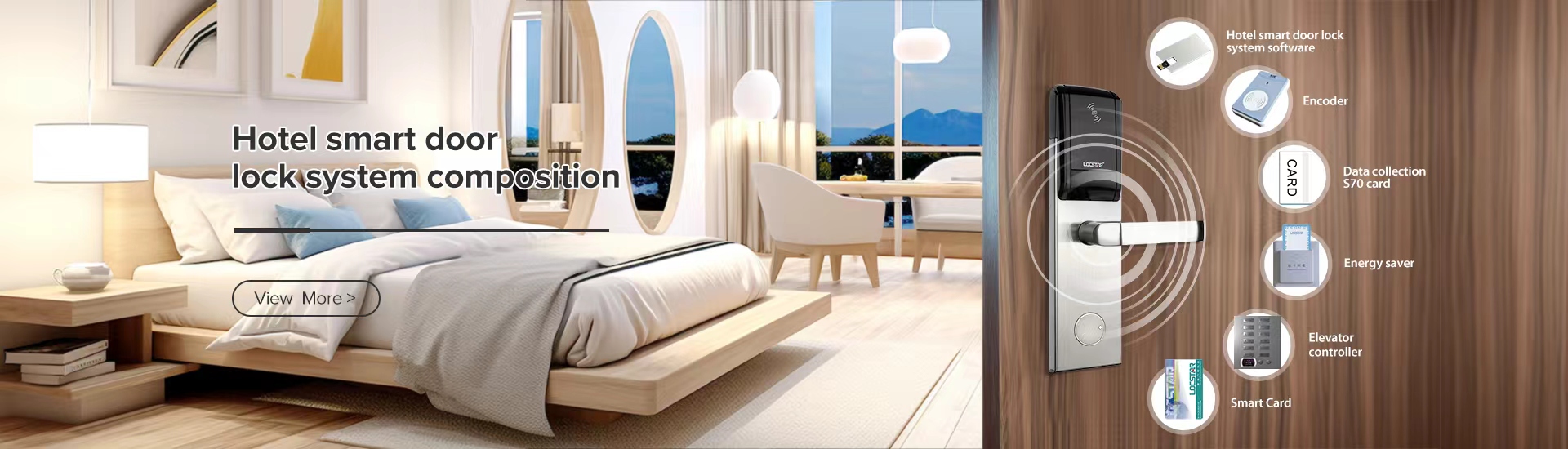
Support the whole guest stay
The best system improves the moments guests notice and gives staff a simple way to issue, replace, revoke, and review credentials. At a city business hotel, RFID cards may be fastest at reception. At a limited service property with late arrivals, mobile or web credentials can serve eligible guests. There should always be a simple route to help when a phone is flat or a room changes.
Map access features to the guest journey
Use the guest journey to test whether a proposed hotel lock system will improve service. A feature is valuable only when it removes a real source of friction or a manual step.
Table 1 Guest journey touchpoints for a hotel smart lock system
|
Guest moment |
Smart lock capability |
Guest experience |
Operational result |
|
Before arrival |
Send an approved mobile or web credential after required steps |
Less uncertainty for eligible late arrivals |
Fewer cards to prepare manually |
|
Arrival |
Issue RFID, mobile, or PIN access under the check in policy |
A quicker route from reception to room |
Lower queue pressure while staff remain available |
|
During the stay |
Control room and permitted common area access |
A replacement can be issued without a long interruption |
Fewer re encoding steps and clearer support records |
|
Departure |
Set credentials to expire at checkout time |
No need to remember a key return step |
Access closes without a separate recovery task |
Give hotel teams practical control
For daily operations, the useful change is access staff can understand quickly. A housekeeping supervisor, engineer, night manager, and contractor should not all hold the same permission. Role based access can limit where and when a credential works. Staff can receive access for an urgent task and have it removed when the work ends.
An audit trail can help a hotel review a guest query or maintenance issue. It should be handled under the hotel’s privacy policy and incident process, not treated as a substitute for either. The same applies to remote control. The goal is to reduce repeated trips to a door and calls between departments, not to give staff another screen to watch.
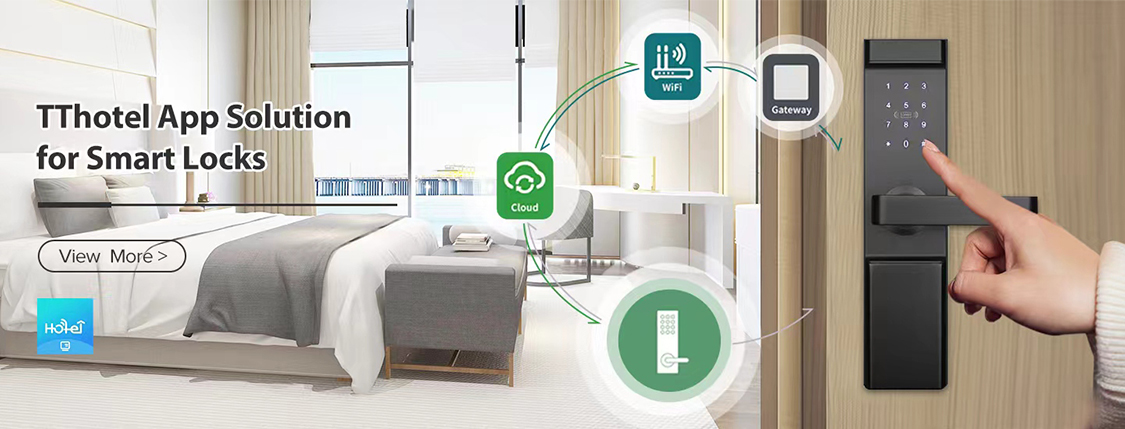
A management dashboard may connect to the property management system, often called a PMS, so reservation status and access follow the same basic workflow. During a demonstration, ask how the integration handles check in, checkout, room moves, duplicate credentials, group bookings, and failed synchronisation. Test those cases with your own PMS before committing.
Choose features around real hotel workflows
Start with the guest and staff journeys, then examine the features that support them. The questions below turn common buying claims into checks a hotel team can make during a product demo or site survey.
Table 2 Questions to use when evaluating hotel smart lock features
|
Feature |
Why it matters |
What to verify |
|
Credential choice |
Lets guests use an approved and familiar entry method |
Can the property issue RFID, mobile, PIN, and a practical fallback where needed |
|
PMS and dashboard |
Avoids repeated manual updates |
Which reservation events sync, how quickly, and what happens if the connection fails |
|
Staff permissions and audit trail |
Limits unnecessary access and supports follow up |
Can managers set time windows, roles, expiry, and access records clearly |
|
Door compatibility |
Prevents rework after purchase |
Does the lock fit the door thickness, preparation, fire rating, and existing hardware |
|
Reliability and fallback |
Keeps guests from being stranded at the door |
What works during phone loss, low battery, network interruption, or a lock fault |
|
Service alerts |
Helps maintenance act before a room becomes unavailable |
How are battery warnings, low power, and device faults reported and assigned |
Match connectivity to the operating model
There is no single best connection model. An offline RFID approach can suit a property that wants a proven front desk led workflow with limited network dependence. It still needs a clear card encoding process and a way to manage replacements. Explore RFID hotel lock systems when comparing this hardware category.
Bluetooth or mobile key access can support eligible self check in guests and reduce the need to collect a physical card. The property should still define what happens when a phone is lost, uncharged, or has weak Bluetooth permissions. A guest should never be left at the door without a rapid alternative.
Online gateways can provide more central oversight and operational alerts. They also make Wi Fi coverage, gateway placement, network security, and outage procedures part of the project. Before selecting models, inspect door thickness, backset, fire rating requirements, existing handle or mortise preparation, and power needs. Review hotel door lock solutions before a site survey to compare the right hardware options.
Pilot the system before a full rollout
Most problems appear after a rushed installation, not during a product demonstration. Start with a representative pilot. Include a room near the lift, a distant room, and a door that is difficult to align. Track the check in steps, credential failures, staff call outs, battery alerts, and the time needed to resolve exceptions.
Train reception, housekeeping, maintenance, and the night team on the same emergency steps. Keep a documented fallback for a dead battery, lost credential, phone failure, power interruption, and a room move. Confirm who can override access and where the record is kept. A system that works on a quiet day should also be manageable during a busy arrival period.
Frequently asked questions
It can reduce routine access steps when the credential process is clear. RFID cards, mobile keys, and pre arrival setup may shorten the trip from check in to room, but staff should remain ready to help guests who need a physical card or personal assistance.
No. Mobile access is useful when it fits the guest profile and check in rules. Many properties benefit from a choice of mobile and RFID credentials, with an agreed fallback for phone problems and guests who prefer a card.
Not in every case, but it can reduce duplicate work when reservations and access must follow the same process. The decision should depend on the property’s workflow and on a tested integration with its exact PMS version.
Plan access as part of the hotel service
A hotel smart lock system improves guest experience and operational efficiency when its access rules, hardware, software, staff training, and backup plan work together. Begin with the guest journey, test the exceptions, and choose only the features your team can support reliably. For help planning a property specific rollout, request a hotel lock system consultation.
 en
en es
es ar
ar lt
lt 中文
中文